

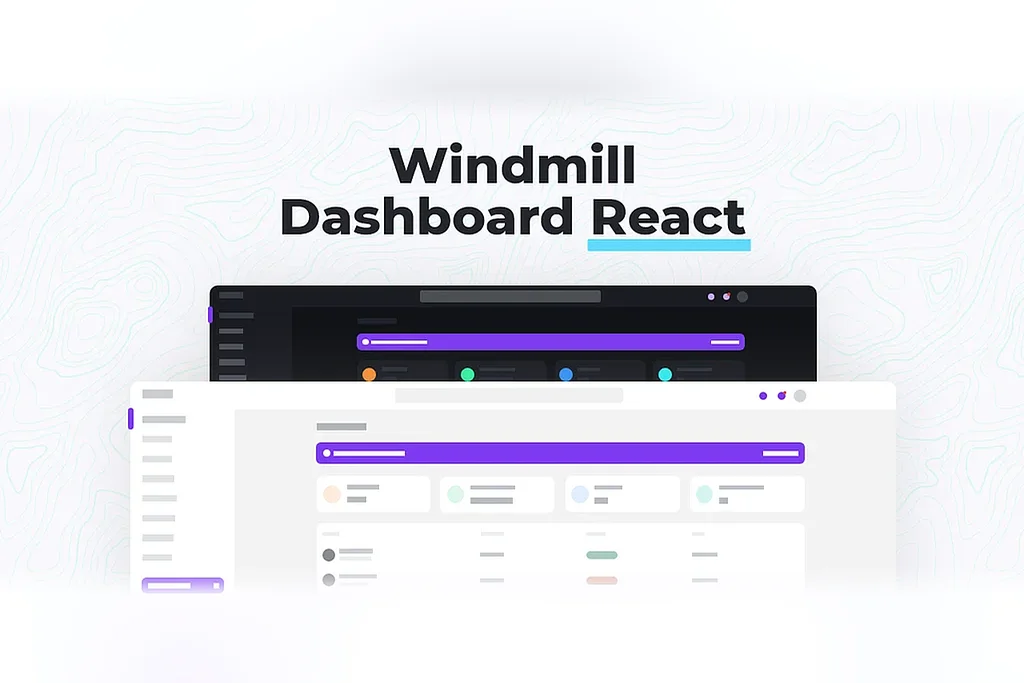
Windmill Dashboard React - Accessible React admin dashboard template
Production-ready React admin dashboard with multi-theme styling, accessible UI patterns, and reusable components. Includes charts, routing, and PWA support so you can plug in your data fast.
- Screen reader ready
Built with real screen readers in mind, with focus traps and full keyboard navigation.
- Multi-theme UI
Includes dark theme support and can swap images based on the active theme.
- Reusable components
Comes with a full set of custom components based on Windmill React UI.
- Code splitting
Uses code splitting to keep the dashboard fast as your app grows.
- Charts included
Includes Chart.js examples to help you visualize metrics and analytics quickly.
- Router setup
Provides a ready React Router structure with sidebar and internal routes separated.
Ship an accessible React admin dashboard with dark mode and PWA
This resource is a full React-based admin dashboard application meant for teams who want to plug in real data and ship an internal tool quickly. It focuses heavily on usability for real users, with careful attention to keyboard navigation and screen-reader behavior. You get a structured dashboard UI with routing already organized, plus a set of reusable interface building blocks for common admin views. The styling is built with Tailwind CSS, and the UI layer is designed around the Windmill React UI component system. It also includes chart examples and an offline-capable PWA experience for more app-like usage.
What's included
- A complete dashboard app layout with sidebar navigation
- A route structure split between sidebar routes and internal (private) routes
- Reusable UI components built on top of Windmill React UI
- Dark theme support with theme-aware image handling
- Chart examples using Chart.js for dashboard-style visualizations
- Code-splitting setup for scalable page loading
- PWA behavior for offline-first, app-like use
Ideal for
- SaaS admin panels and back-office tools
- Internal dashboards for operations, support, or analytics
- Prototypes that need real navigation and layouts from day one
- Accessibility-first teams that need keyboard and screen-reader support
- Apps that benefit from offline access or installable PWA behavior
Accessibility
The interface is designed with accessibility as a core requirement, including practical considerations like focus management and consistent keyboard navigation across the app. That makes it a strong starting point when you need an admin UI that works well for a wider range of users, not just mouse-driven workflows.
Repository stats
- 11 open issues
- 1k stars
- 11 watching
- 226 forks
- 66 commits
- over 6 years ago

Stack
 Tailwind CSS v2
React 16.13.1
Highlights
- High resolution
- Well documented
- Responsive
- 100% accessible
- Dark theme enabled
- Code splitting
You may also like
Cleopatra
1.6kA clean & minimal admin dashboard template
Free dashboard built with Flowbite
Mosaic Lite
2.9kFree React admin dashboard template for SaaS